

Meet your persona
Your own AI persona.
Make a character with their own look, voice and personality. Ask them to tidy files, update apps or find things on your Mac. They check with you before anything big.
Free. Works with your ChatGPT or Grok plan. For Apple silicon Macs, macOS 12 or later.
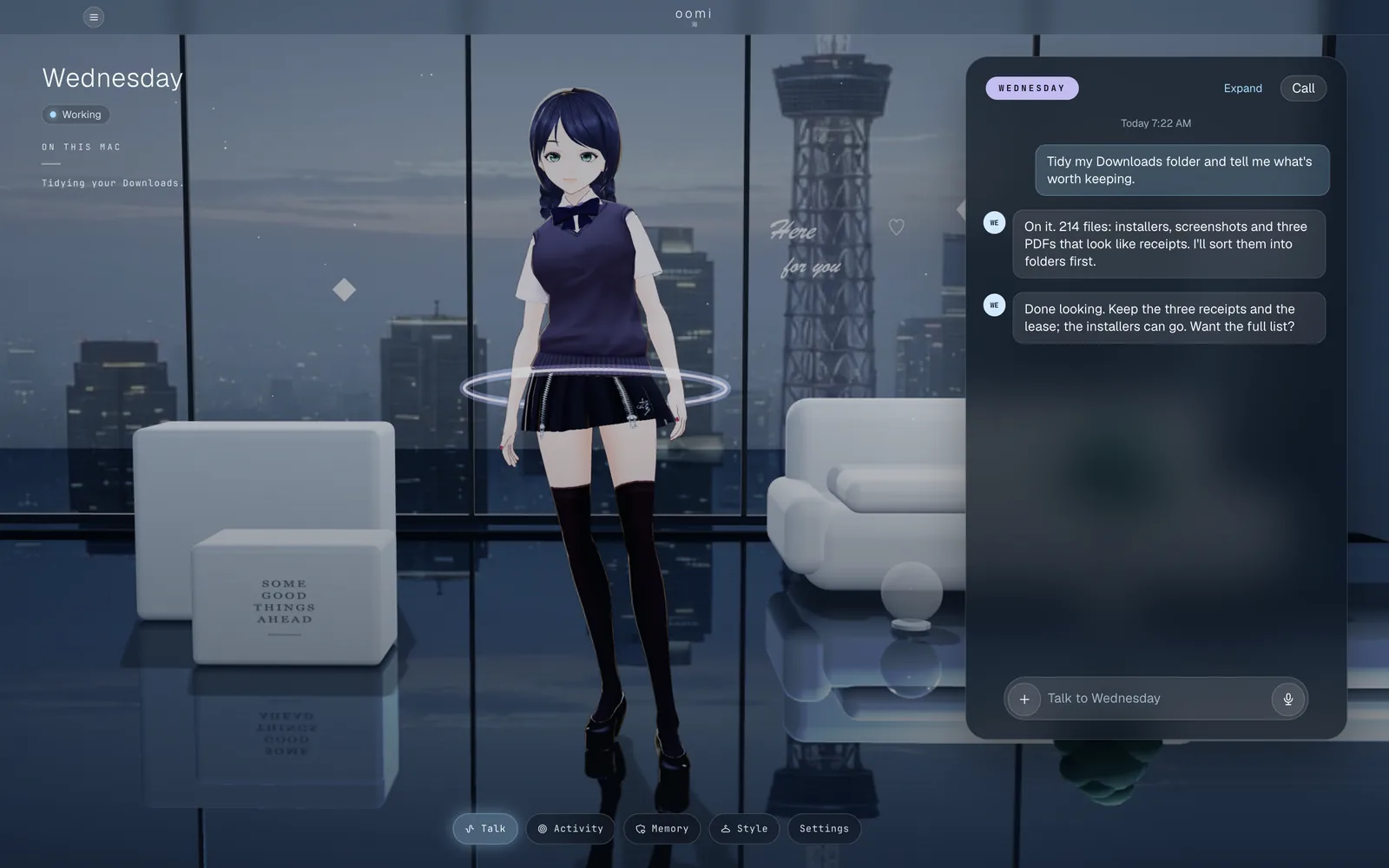
Tidy my Downloads folder?

What your persona does
Here’s what they do.

Looks how you want
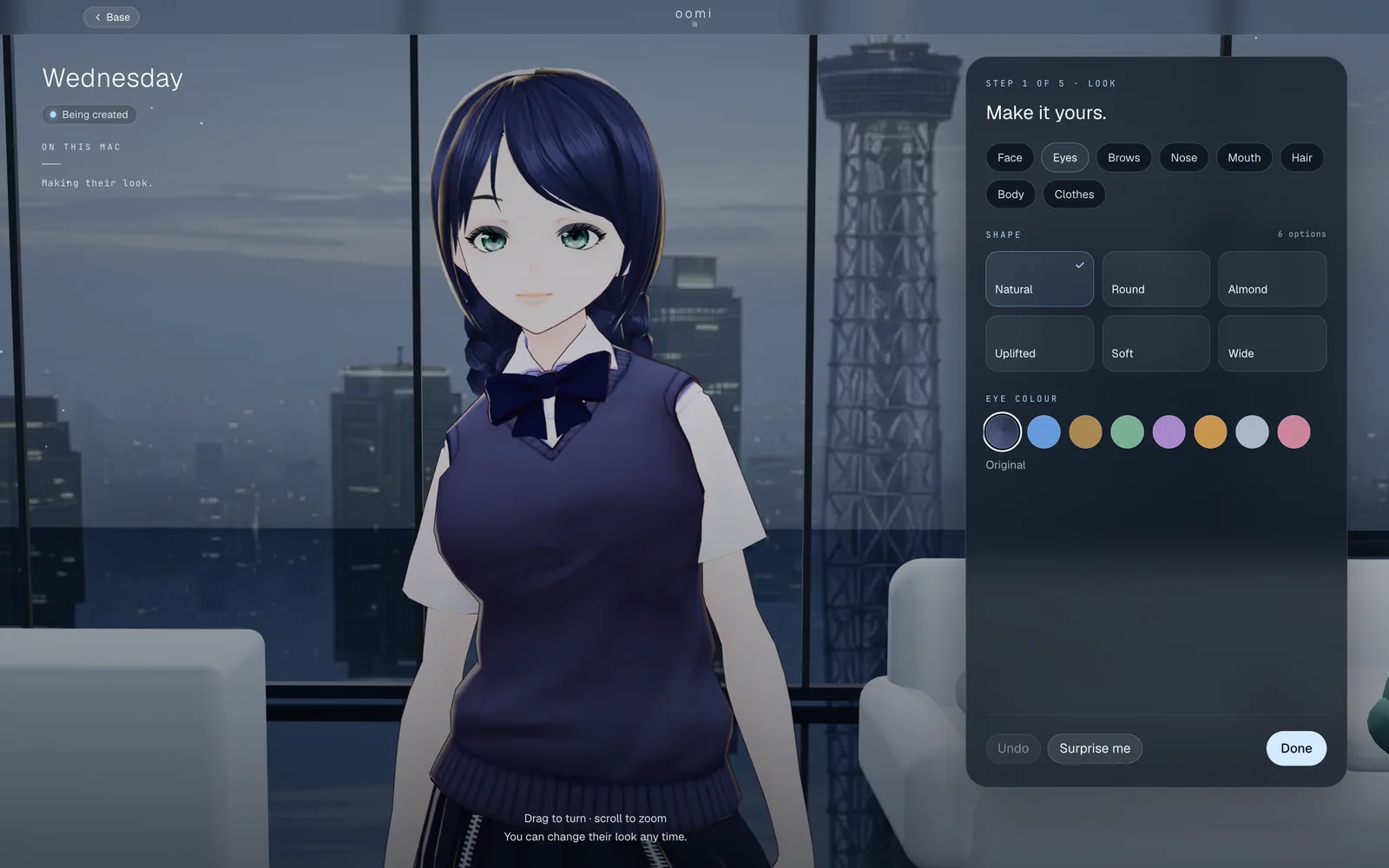
Pick a face, hair, eyes and clothes, or bring a VRoid model.

Talks with you
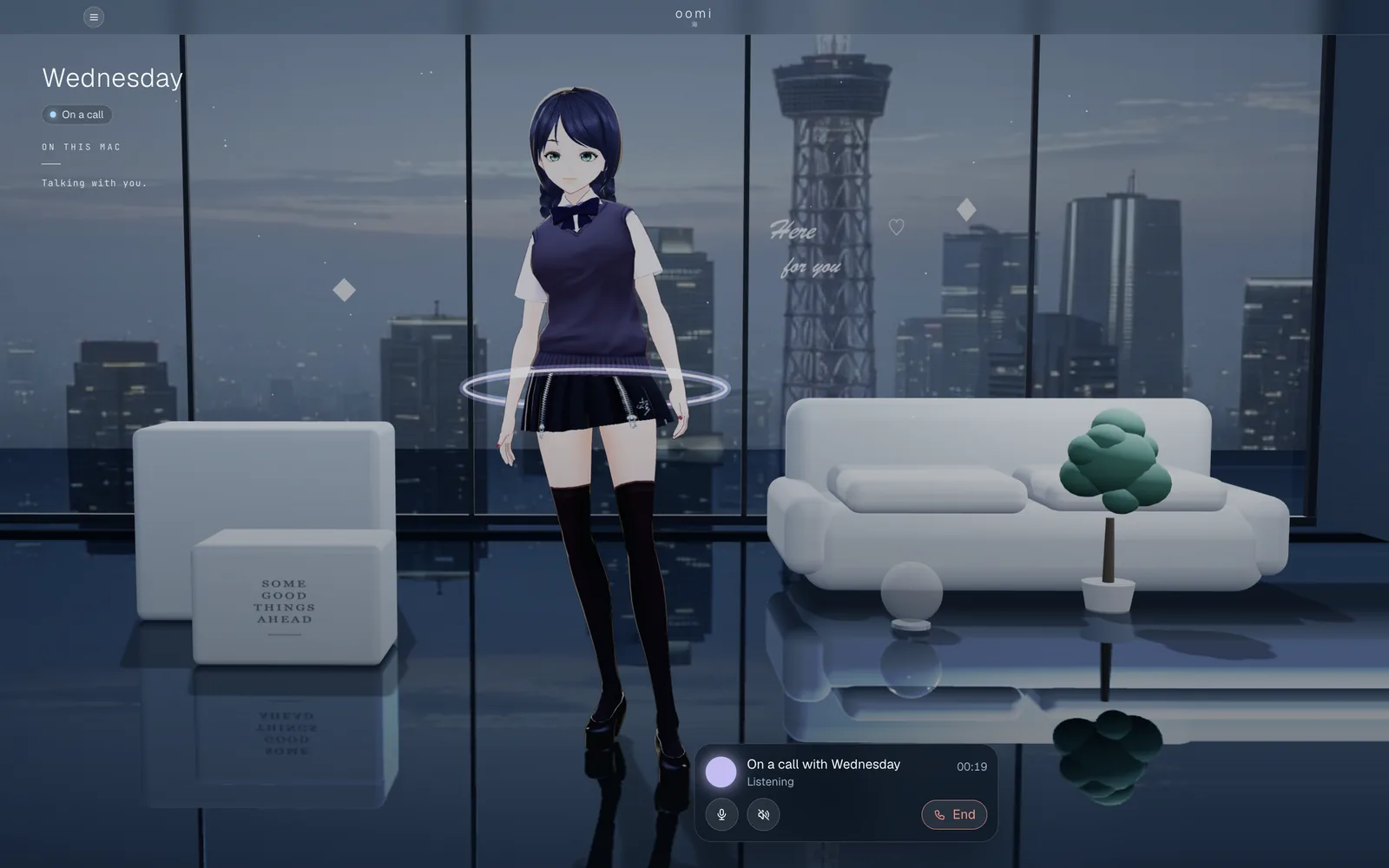
Type, or call them and just talk.

Gets things done
Files, apps and errands on your Mac.

Asks first
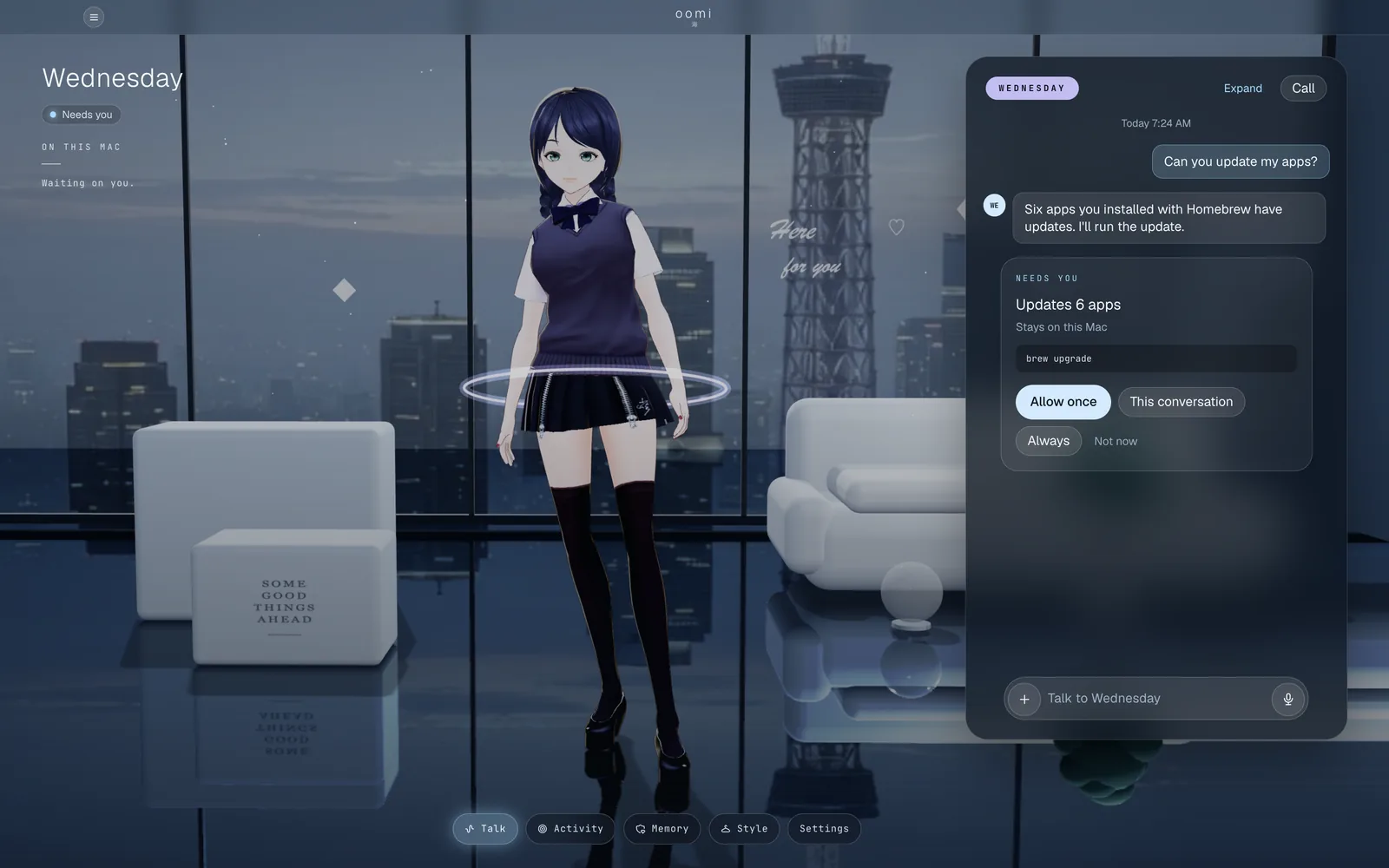
Nothing big happens without your OK.
1 · Create
Make them yours.
Start from a base, then shape the face, eyes, hair, body and clothes. Give them a name, a voice and a personality, or let them suggest one.
2 · Talk
Talk like you would with a friend.
Chat in the app or start a call and just talk. They know your name, remember what matters to you and answer in their own voice.
3 · Do
Hand off the busywork.
Ask in plain words. They sort your Downloads, update your apps, find that PDF, and tell you when it’s done.
- Tidy my Downloads
- Update my apps
- Find my lease
4 · Ask first
Nothing big without your OK.
Before they move files or run a command, they show you exactly what will happen. Allow it once, for this conversation, or always. Change your mind any time.
5 · Your AI
Uses the AI you already pay for.
Sign in with ChatGPT or Grok and your persona thinks with your own plan. oomi never charges for your AI.
- ChatGPTSign in with your ChatGPT account
- GrokSign in with your Grok account
6 · Everywhere
The same persona on your phone.
Link your Mac to your oomi account and keep talking from your phone.


Meet your persona.
Free. Works with your ChatGPT or Grok plan. For Apple silicon Macs, macOS 12 or later.